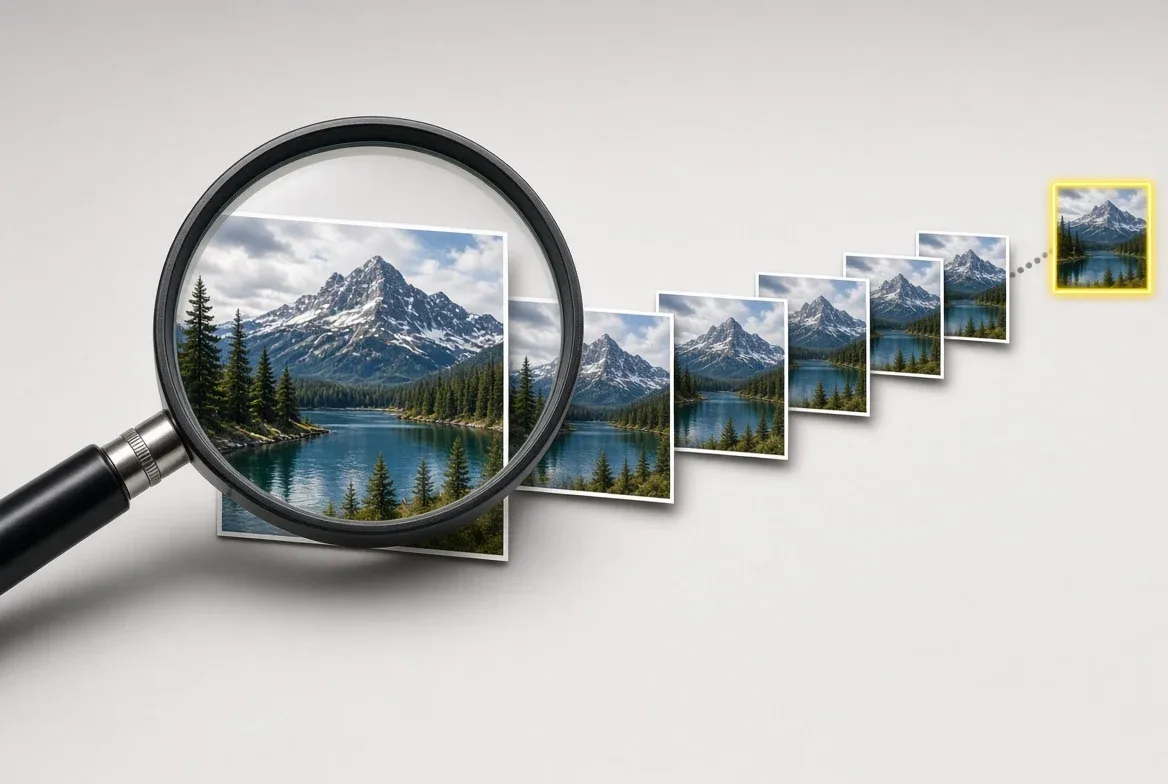
Reverse image search can confirm where a photo first surfaced online and when — that part is documented by the tool makers themselves. It cannot, on its own, confirm whether the image is authentic or altered. Those are two different questions, and mixing them is the most common way a viral photo gets misjudged.
Buzz News 10 traces viral claims to where they started. Reverse image search is one of the core tools that makes that tracing possible, so here is exactly what it does, what it doesn't, and how it's actually used.
What does reverse image search actually do?
It flips a normal search: instead of typing words, you submit a picture, and the tool returns other places that same or a visually similar image has appeared. Google's own News Initiative training describes the method plainly — right-click an image and choose "Search Google for this image," or upload a file or paste a URL at images.google.com.
That single step can surface an image's earliest known appearance, related versions, and the sizes it's circulated in. Google's guide specifically flags the "Tools" then "Time" filter as the way to check when and where a photo has shown up before — the step that turns a raw image match into a timeline.
How is TinEye different from Google's tool?
TinEye runs on a separate index. Per TinEye's own help documentation, the service "constantly crawls the web and adds images to its index," then matches an uploaded photo against that index to show every place it can find the same image published. TinEye states it never adds a user's own uploaded search image to that index — only the crawled web images are stored for matching.
Practically, that means TinEye and Google Images can return different results for the same photo, because they've crawled and indexed different slices of the web. Fact-checkers commonly run both rather than relying on a single tool, precisely because neither index is complete.
What can a reverse image search actually prove?
It can prove an image existed at an earlier date, in a different context, or attached to a different story — the classic "old photo passed off as new" pattern. The University of Iowa Libraries' guide to evaluating online information frames this directly: with photo-editing tools able to alter images convincingly, a reverse search can "reveal the true origins of a particular photo" and support proper attribution.
What it cannot do is authenticate a brand-new image with no prior online footprint. If a photo has never been posted anywhere before, there is nothing in any index for it to match against — a null result is not proof of authenticity, and a match is not automatically proof of manipulation. The search narrows the field; it doesn't replace judgment about the result.
How do fact-checkers use this to trace a viral photo to its source?
The method described across the sources above is consistent: run the image, sort results by earliest date, and read the earliest matching page — a news article, a social post, a stock-photo listing — to see who actually published it first and in what context. That earliest credited appearance is the origin; everything published after it is a repost, until proven otherwise.
It's the same logic behind naming an origin on this site — a platform, an account, a date: reverse image search is frequently the tool that produces the first verifiable date and publisher in that chain, which is then checked against the platform's own timestamp and the original account before anything is reported as confirmed.
What are the practical steps to run one yourself?
Right-click the image in a browser and select the search-by-image option, or open images.google.com and upload the file or paste its URL — that's the access method the Google News Initiative training documents. On TinEye, per its own help pages, a user can upload, paste, drag-and-drop, or enter a URL, and browser extensions exist for Chrome, Firefox, Edge, and Opera so the search can be run directly by right-clicking an image on any page.
Run the same image through both tools, sort for the earliest date each returns, and open that earliest result directly rather than trusting a caption or a repost. That's the entire mechanism — no special access, no paid tool required for the basic version, and it's the same method this site uses before naming an origin in a verification piece.
For a related social perspective, read Reverse image search, explained: what it can actually prove.
For more context, read Trace any viral photo to its real source.
For more context, read volatility forecasting.
For more context, read What Matter Actually Does for Your Smart Home, Explained.