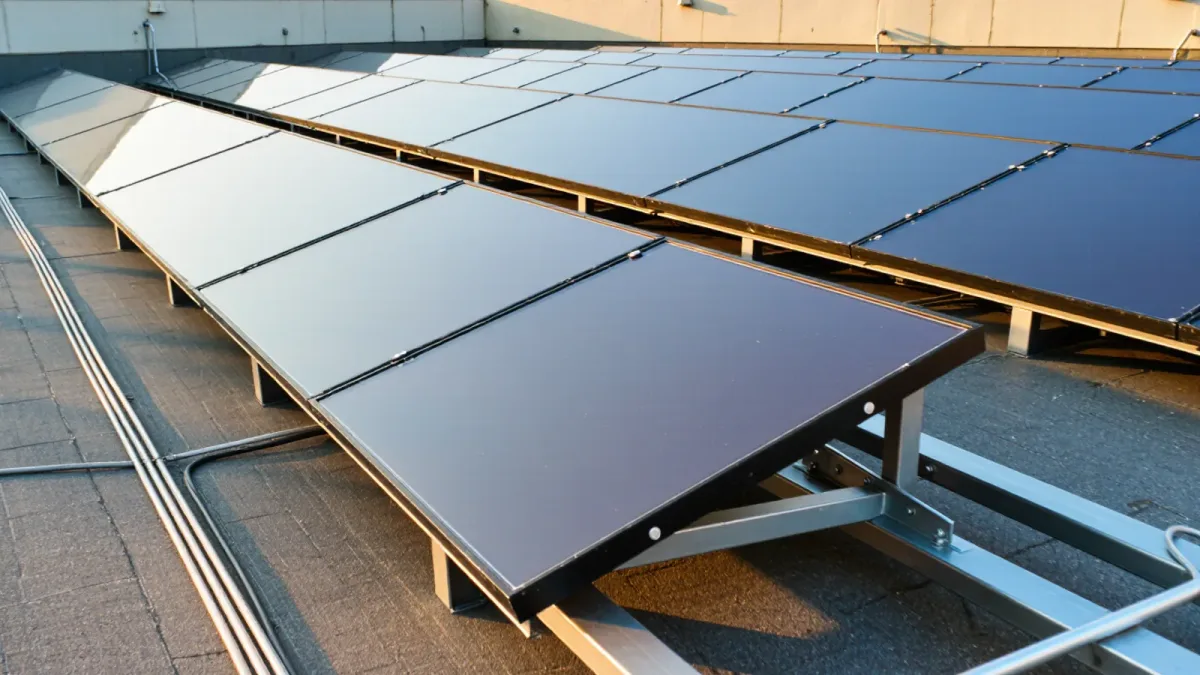
Does replacing aging projectors with interactive flat panels help someone learn? The evidence for learning gains is thin, but the financial and usability case is real: a 75-inch flat panel consumes about 150–250 watts versus 300–450 watts for many legacy projectors, needs lamp replacements that projectors demand every 3,000–5,000 hours, and stays readable with classroom lights on. District procurement records and CoSN energy-cost worksheets from 2024 generally show flat panels reaching cost parity with lamp-based projectors within five to seven years on energy and maintenance alone. The right question is not which technology is better, but which rooms justify the premium.
What has actually changed in the market?
Lamp-based projector sales to U.S. K-12 schools have fallen sharply as panels dropped below $3,000 for 75-inch models, a price point most districts reached around 2022–2023. Vendors now pitch panels with built-in Android compute, wireless casting, and whiteboard software. Those features are genuinely convenient, but procurement staff should separate the display — a durable 7–10 year asset — from the bundled software subscription, which may carry recurring fees the vendor's quote does not highlight. A 2025 review of district RFPs by an education procurement cooperative noted that panel quotes frequently omitted second-year software license costs that doubled the five-year price. Ask for a five-year total cost line before comparing bids.
How do the costs compare over ten years?
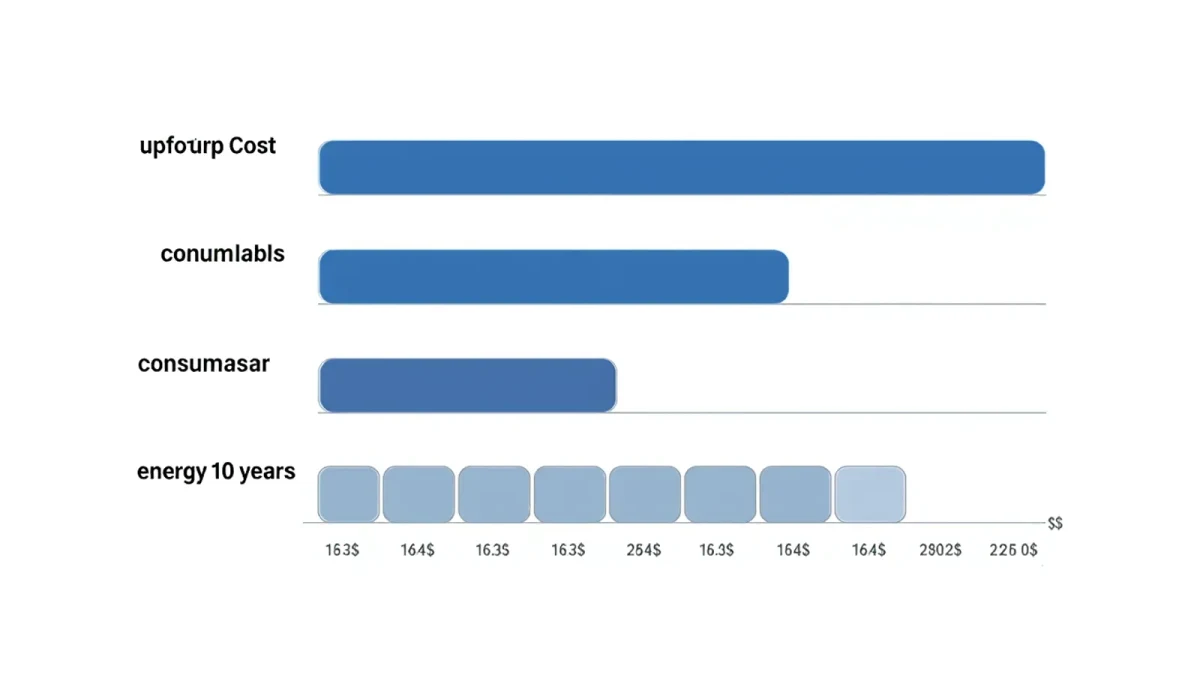
Assume a standard classroom with 25 students and six hours of daily display use. A lamp projector costs $600–$1,200 upfront but adds $150–$300 in lamps over a decade plus filter cleaning labor. A solid laser projector runs $1,500–$3,000 with essentially no lamp costs. A 75-inch panel runs $2,000–$4,500 installed, with no lamps and modest energy use. The table below uses midpoint figures from vendor-published specifications and CoSN benchmarks as of 2024.
| Factor | Lamp projector | Laser projector | Interactive flat panel |
|---|---|---|---|
| Upfront hardware and install | $600–$1,200 | $1,500–$3,000 | $2,000–$4,500 |
| Consumables over 10 years | $150–$300 lamps | Minimal | None |
| Visibility with lights on | Poor | Moderate | Excellent |
| Typical service life | 8–10 years, dimming | 10+ years | 7–10 years |
| Audio included | External | External | Usually built in |
Where do projectors still make sense?
Large spaces are the honest answer. A panel tops out around 98 inches at prices schools rarely pay, while a projector can fill a 120-inch or larger image for an auditorium, cafeteria, or long combined-use room. Ceiling-mounted laser projectors also matter where wall space is interrupted by whiteboards, cubbies, or fire-safety equipment. Some special education environments prefer projected images because a projector's image is not a physical object a student can interact with unexpectedly, though this varies by program. If the room seats more than 35 students or the image needs to exceed 100 inches diagonal, a laser projector remains the defensible purchase.
Do interactive features improve learning?
Here the vendor claims run ahead of the research. Companies say multi-touch collaboration transforms engagement, but rigorous controlled studies on interactive displays are limited, and older meta-analyses of interactive whiteboards — the projector-era predecessor — found modest effects at best, concentrated in early grades and strongly dependent on teacher practice. A research synthesis published in 2019 in the Journal of Educational Computing Research and related reviews concluded that the display technology itself mattered far less than the pedagogy wrapped around it. If a district's professional development budget is empty, an expensive interactive panel will function mostly as a very costly projector. Budget training, or buy cheaper screens.
What should a spec sheet require?
Require brightness of at least 450 nits for panel readability in daylight classrooms, anti-glare glass, and a documented 50,000-hour backlight rating. Require that bundled software work without vendor account creation for core annotation features, because forced account flows create student-data obligations under FERPA. Require standard VESA mounting, HDMI inputs accessible without removing the panel, and a stated policy for firmware security updates — panels are network-attached computers, and several 2024–2025 security advisories documented smart-display firmware vulnerabilities. Finally, require the vendor to quote replacement parts and out-of-warranty repair pricing up front. Panels rarely die, but their touch controllers and power boards do fail, and out-of-warranty service calls on displays are expensive.
How should a district phase the transition?
Pilot in five to eight classrooms spanning elementary and secondary rooms with different lighting, then measure with a simple instrument: a teacher survey on daily setup friction, helpdesk tickets, and energy metering if practical. Replace projector lamps strategically — every lamp bought for a unit scheduled for replacement within two years is money burned. Prioritize special education and early-grade rooms where touch interactivity has the strongest research support, then general classrooms, then hold projectors in gyms and auditoriums. And write the RFP so software subscriptions are optional line items a district can decline, keeping the durable display purchase separate from recurring software commitments.
One budgeting mistake deserves its own warning: buying for the flagship rooms and forgetting the mounts and electrical. Installing a panel in a classroom built for a projector often requires new electrical work, a reinforced wall mount for the heavier unit, and conduit changes — costs that add $300–$800 per room and never appear in the display quote. Get a facilities walk-through before the board vote, not after, and have physical plant staff sign off on mounting surfaces. Older buildings with plaster walls, brick, or uncertain stud placement turn a routine installation into a small construction project, and a district that discovers this room by room will burn the savings that justified the purchase.