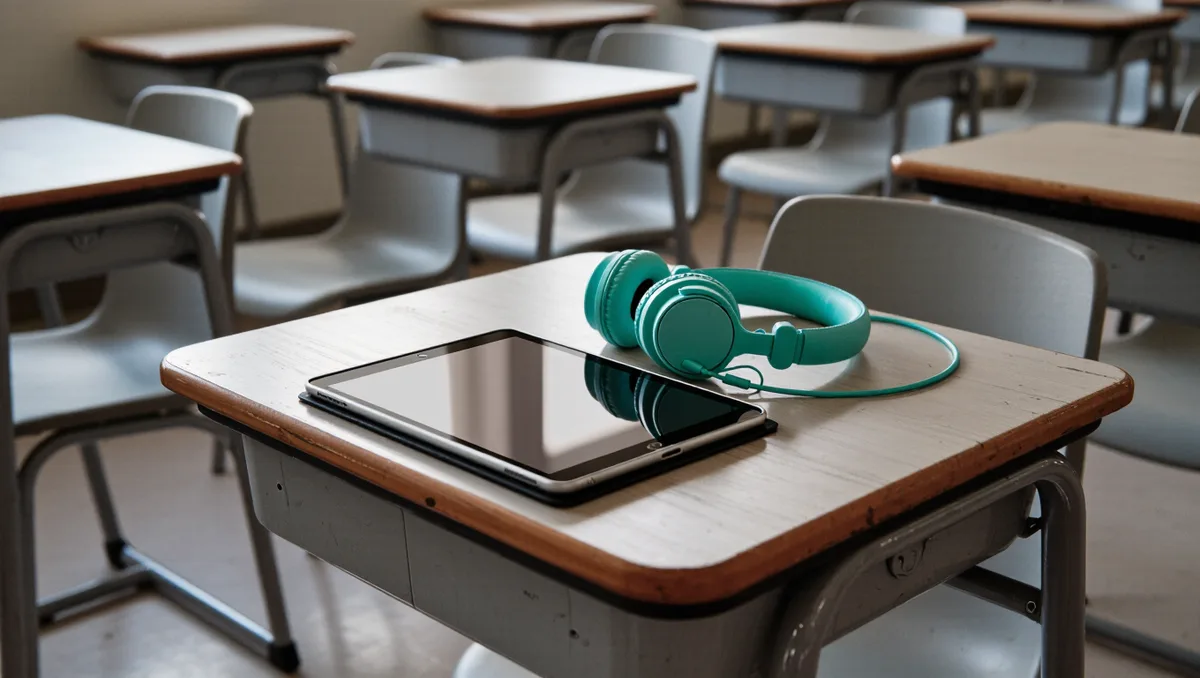
Classroom technology works when teachers can see what students are doing on it. That is the short read of the latest Walton Family Foundation and Gallup "Teaching for Tomorrow" research: 59% of teachers say digital tools help students learn effectively, but only 42% say they have a lot of oversight of students' device activity. And the teachers who report greater oversight are the ones more likely to call devices helpful.
That gap — between tools teachers believe in and visibility they actually have — is the practical problem this piece addresses. The survey does not name a product or a fix. It names a condition. Below are the decisions a teacher or building leader can make to move toward that condition, each one grounded in what the Walton Family Foundation and Gallup found.
Why does oversight change how teachers see devices?
Because the survey says it does, in plain terms. Teachers with greater oversight of student device activity are more likely to see devices as helpful. The Walton Family Foundation frames this as underscoring "the importance of giving educators the tools and support they need to use technology effectively."
Read that as a causal hint, not a proof. The research shows a relationship between oversight and perceived usefulness. It does not establish that adding monitoring software will make skeptical teachers into believers. What it does establish: a majority of teachers already think digital tools help students learn, and visibility is the variable that separates the confident from the cautious.
Step one: find out what you can actually see
Before requesting anything, establish your current baseline. The survey found only 42% of teachers have "a lot" of oversight of students' device activity — so a majority are working with partial or unclear visibility. Ask the specific questions:
- Can you view student screens in real time during a lesson, or only after the fact?
- Can you see which tabs and sites a student has open, or only a usage log?
- Who at your school controls the monitoring settings — you, the tech department, or nobody?
If you cannot answer these, that is the finding. You are in the group without a lot of oversight, and the research suggests that group is less likely to experience devices as helpful.
Step two: put oversight on the agenda with your tech team
The Walton Family Foundation's framing points at tools and support for educators, not at teachers improvising their own surveillance workarounds. The practical move is a direct request: what monitoring or screen-viewing capability does the district already own, and how do you get access to it?
Many districts already run device management on school-issued hardware. How that platform is configured — and how much classroom-level control it hands the teacher — varies a lot, and it is worth comparing options on teacher time rather than feature lists. Our guide to MDM platforms for school iPads, compared on teacher time covers that trade-off in detail.
Step three: match the oversight to the lesson, not the other way around
Oversight is a means. The end the survey measures is whether digital tools help students learn effectively — which 59% of teachers already say they do. So the checklist for any lesson using devices becomes: We covered a connected angle in Do AI lesson-plan tools actually save teachers time?.
- Decide what students should be doing on the device before the lesson starts.
- Confirm you can see that activity during the lesson.
- Decide in advance what you will do when a student is off task — redirect, restrict, or log.
That third step matters because oversight without a response plan is just observation. The research ties oversight to teachers feeling devices are helpful; the working assumption is that visibility lets a teacher intervene early, which is what makes the tool useful in the moment.
Step four: set expectations with students and families
Monitoring is a data practice, and data practices deserve a plain explanation. If your school issues devices with activity monitoring, students and families should know what is collected and who can see it. That conversation is easier to have before a problem than after one.
It also connects to the broader balance the survey captures. Teachers see "both promise and trade-offs" in classroom technology, per the Walton Family Foundation. Oversight is one of those trade-offs: more visibility for the teacher means more data collected about the student. Where to draw that line is a policy question, and our piece on classroom screen-time limits looks at a related balance between control and learning.
What this means for school leaders
If you buy devices without budgeting for the teacher-facing side of oversight, you are buying the equipment and skipping the condition the research identifies. The 42% figure is the number to carry into a budget meeting: a majority of teachers lack a lot of oversight, and oversight correlates with teachers finding devices helpful.
Device programs have ongoing costs beyond the purchase, and the same logic applies here — plan for the full lifecycle, including the management layer. Our breakdown of what a one-to-one Chromebook program actually costs a district makes the case for budgeting past the hardware.
What the research does not tell you
Be honest about the limits. The Gallup and Walton Family Foundation survey reports what teachers say — perceptions, self-reported. It does not measure learning outcomes, and it does not test whether any specific oversight tool improves them. The connection between oversight and perceived helpfulness is a correlation in survey data, not a controlled trial.
That still leaves a usable conclusion. If most teachers already believe digital tools help students learn, and the ones with more oversight believe it more strongly, then the cheapest intervention a school can try is not new hardware. It is making sure the teachers already have the visibility the devices allow. For more coverage of tools and trade-offs in this space, start with the technology section.